
Mentions and prompts
Tell Pullfrog what to do from any GitHub thread, the console, or the terminal. Each prompt starts a GitHub Actions run in your repository.
Mentioning @pullfrog
Mention @pullfrog in an issue comment, a PR comment, or a PR review comment. Pullfrog replies in the same thread.
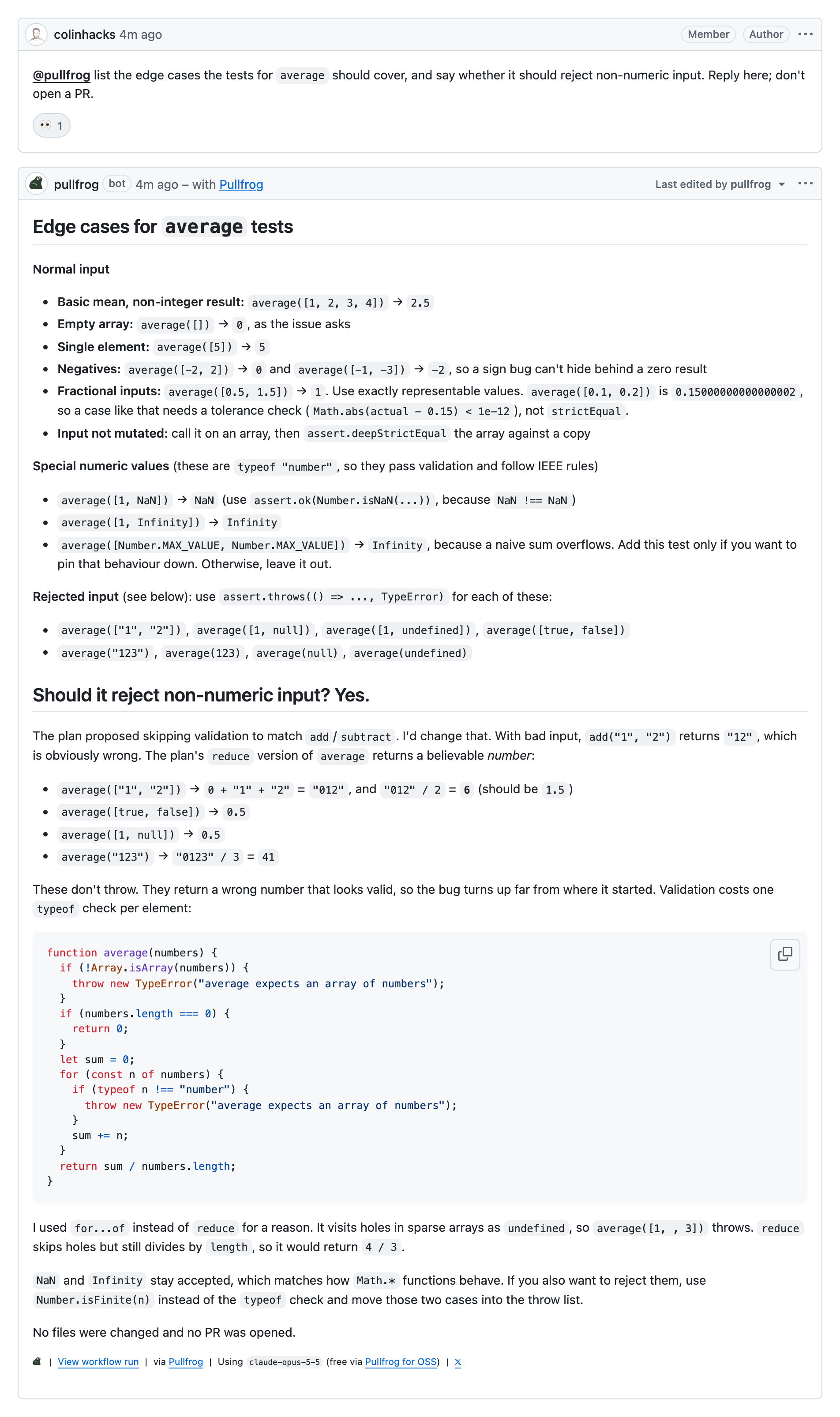
The request decides what the run does:
| Mention | The run |
|---|---|
@pullfrog review this | Reviews the PR |
@pullfrog make a plan | Posts an implementation plan on the issue |
@pullfrog add a dark mode toggle | Makes the change and opens a PR, or pushes to the PR it was asked on |
@pullfrog fix the failing test | Reproduces the CI failure, fixes it, and pushes |
@pullfrog resolve the merge conflicts | Merges the base branch and resolves the conflicts |
@pullfrog why is the cache key different on main? | Answers in the thread |
A mention in the body of a new issue or PR starts a run immediately, with the body as the prompt. It takes the place of the automation that would otherwise run on that issue or PR. Editing a mention cancels its run and starts a new one with the new text.
Mentions are configured under Automations → Mentions in the repository console:
- Only repository collaborators can start a run by default. On a public repository, Include mentions from non-collaborators opens mentions to everyone. Those runs can reply but cannot push code.
- A mention inside a quote or in code (
`@pullfrog review`, or a code block) starts no run, so writing one as an example is safe. - Custom instructions on the card are added to every run a mention starts.
Console prompt box
Open a repository in the Pullfrog console, type a prompt, and send it. Use it for tasks that have no issue or PR yet.
From the terminal
The pullfrog run command sends a prompt as the GitHub user signed in to the GitHub CLI, and prints the run's URL. It needs write access to the repository.
pullfrog run "enrich issue #42"

# or name the repository
pullfrog run --repo acme/app "plan a fix for #17"

# one run per issue in a backlog
gh issue list --label bug --json number --jq '.[].number' | xargs -I{} pullfrog run "enrich issue #{}"
Quick Links
Quick Links are an opt-in comment with one-click buttons on each new issue or PR, so the author decides whether to involve Pullfrog.
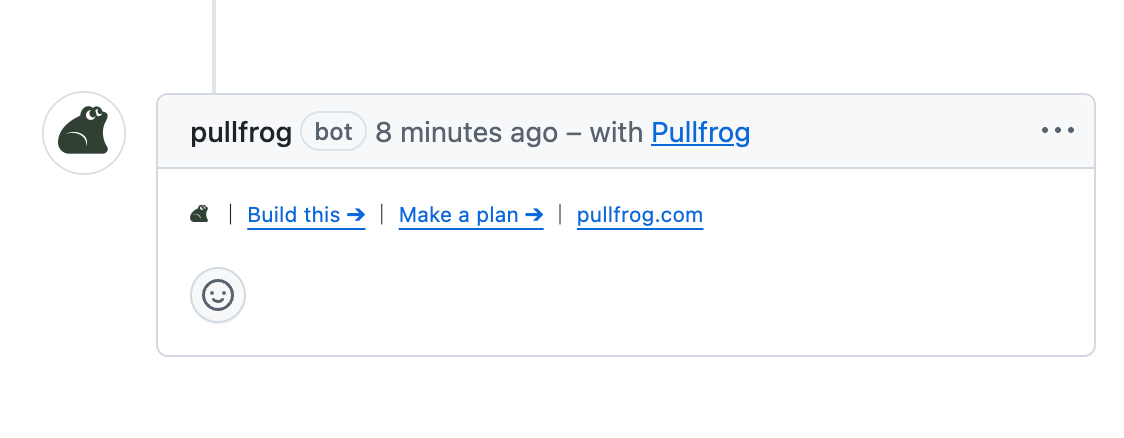
The buttons depend on where the comment is posted:
| Posted on | Buttons |
|---|---|
| New issues | Build this, Make a plan |
| New PRs | Review this |
To use them, turn off the Review PRs or Enrich issues card under Automations, then turn on Post an initial comment with Quick Links instead on the same card.